
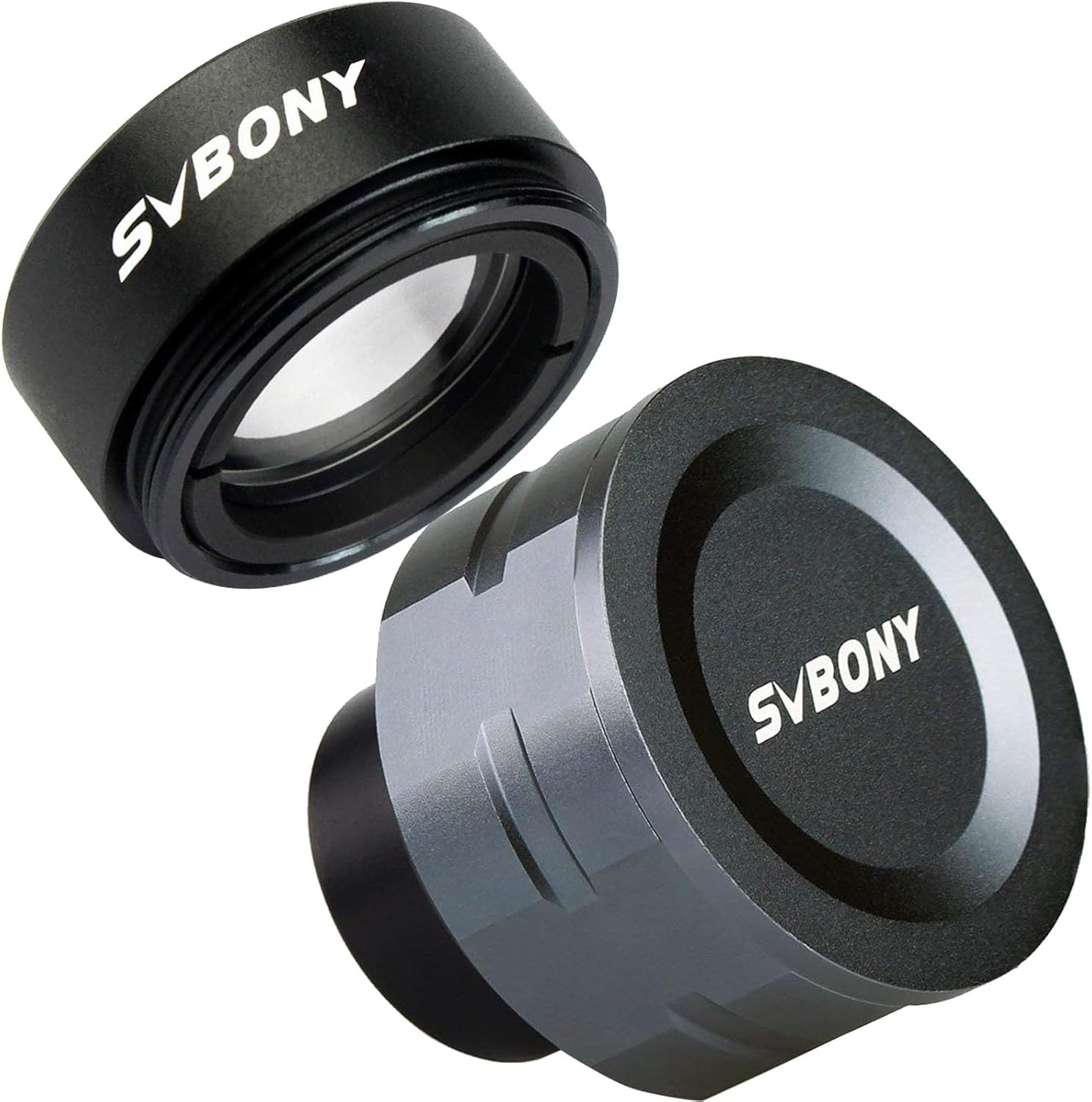
SVBONY SV105 Telescope Camera IMX307 CMOS Color Bundle with SVBONY 0.5X Telescope Focal Reducer 1.25 inches
Product details
| Management number | 208575047 | Release Date | 2026/03/22 | List Price | $24.00 | Model Number | 208575047 | ||
|---|---|---|---|---|---|---|---|---|---|
| Category | |||||||||
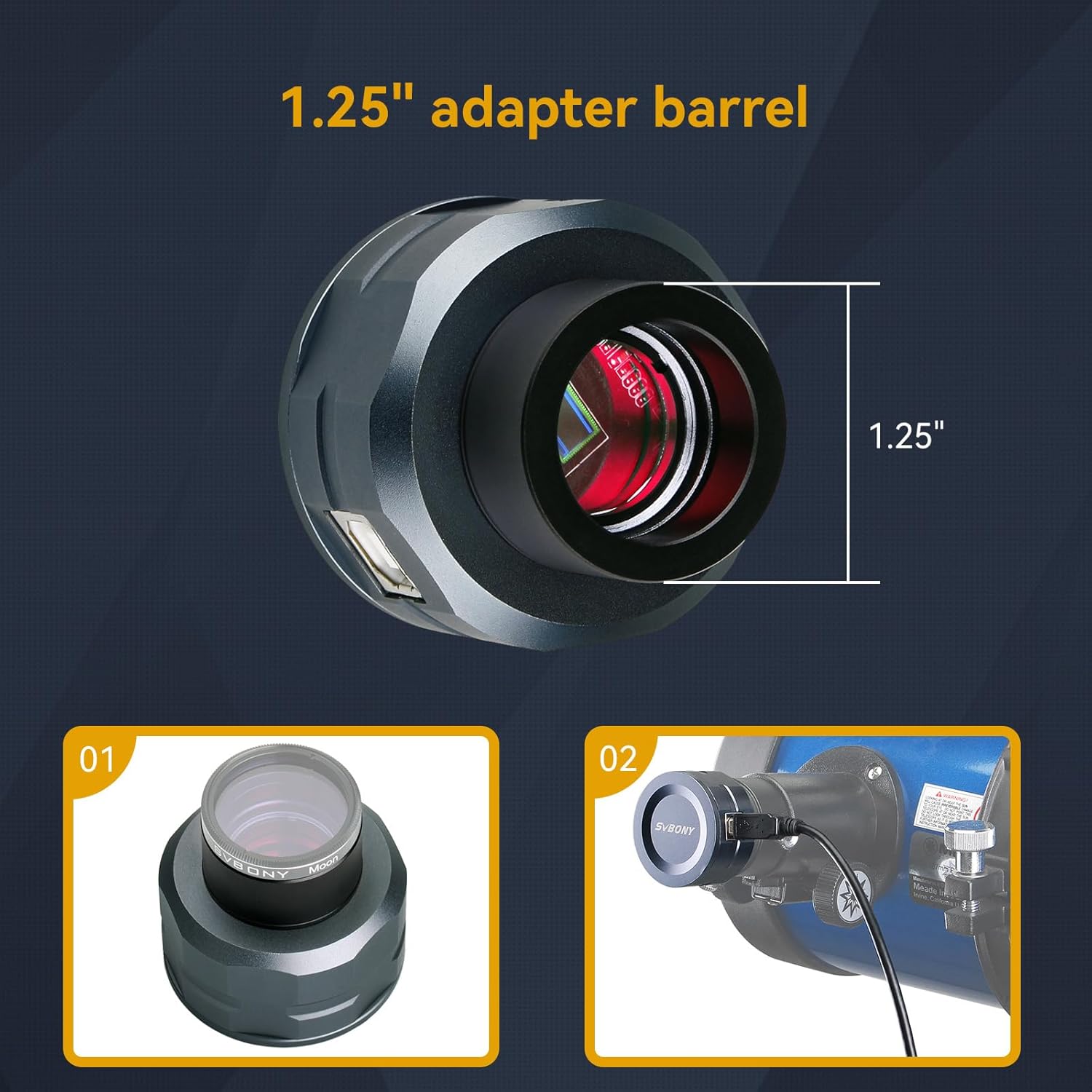
SVBONY SV105 is a great way to get started with astronomical imaging; just point your telescope at the moon or a planet and record a quick video; you'll get bright; clear images with the maximum amount of color and detail. USB Eyepiece Camera. Allows you to transfer a live view through the telescope to a laptop or PC; and capture wonderful digital movies and images 1.8m USB Cable. The computer can be placed anywhere; the cable is long enough for the computer to fit the height of the telescope USB 2.0 Interface. Universal USB2.0 interface; suitable for most hardware devices; makes transfer easier and faster Aluminum Alloy Material. Aluminum alloy has low density and high strength; and the product is lighter and more durable; easy to carry; sturdy and durable Installation:. Install the electronic eyepiece software on the computer and open it. Plug the USB cable of the electronic eyepiece into the computer. The electronic eyepiece user interface starts; the image frame appears. Remove the eyepiece of the telescope. Install the electronic eyepiece directly on the eyepiece, and aim at a conspicuous target through the viewfinder; except the sun. Adjust the focus wheel; until a clear image appears on the screen. Note: Since the focus position of the eyepiece is different from the focus position of the electronic eyepiece; you need to re-aim after installation; be patient and find it slowly; the image will be clear after adjustment.
- The SV105 electronic telescope eyepiece is the basic method for starting astronomical imaging; you can use the SV105 electronic telescope eyepiece to image it; which is more suitable for beginners who like to do astrophotography
- SV105 telescope camera is suitable for lunar and planetary photography; share the view of bright planets; moon and terrestrial targets; just point the telescope at the moon or planet and record a quick video; you can transfer the real-time view of the telescope to your laptop or PC
- Plug and play; no driver required; real-time dynamic observation; clear images; SV105 electronic telescope eyepiece compatible with Windows system needs to download Sharpcap Capture; Linux system needs to download AstroDMx Capture; Android system needs to download USB Camera
- Fits all standard 1.25" scope eyepieces;Its role is to reduces the focal length of your telescope by half ;increasing the field of view;and shorter exposure times for astrophotography;usually for a longer focal length telescope
- The reducer has standard 1.25inch telescope threads M28x0.6 and fits easily into any 1.25" eyepiece or any 1.25" photo adapter;diagonal;extender tube;increase the image field of your web cameras



Bestseller ranking
Nuts


Customers who viewed this product also viewed
Eyepieces


Correction of product information
If you notice any omissions or errors in the product information on this page, please use the correction request form below.
Correction Request Form